
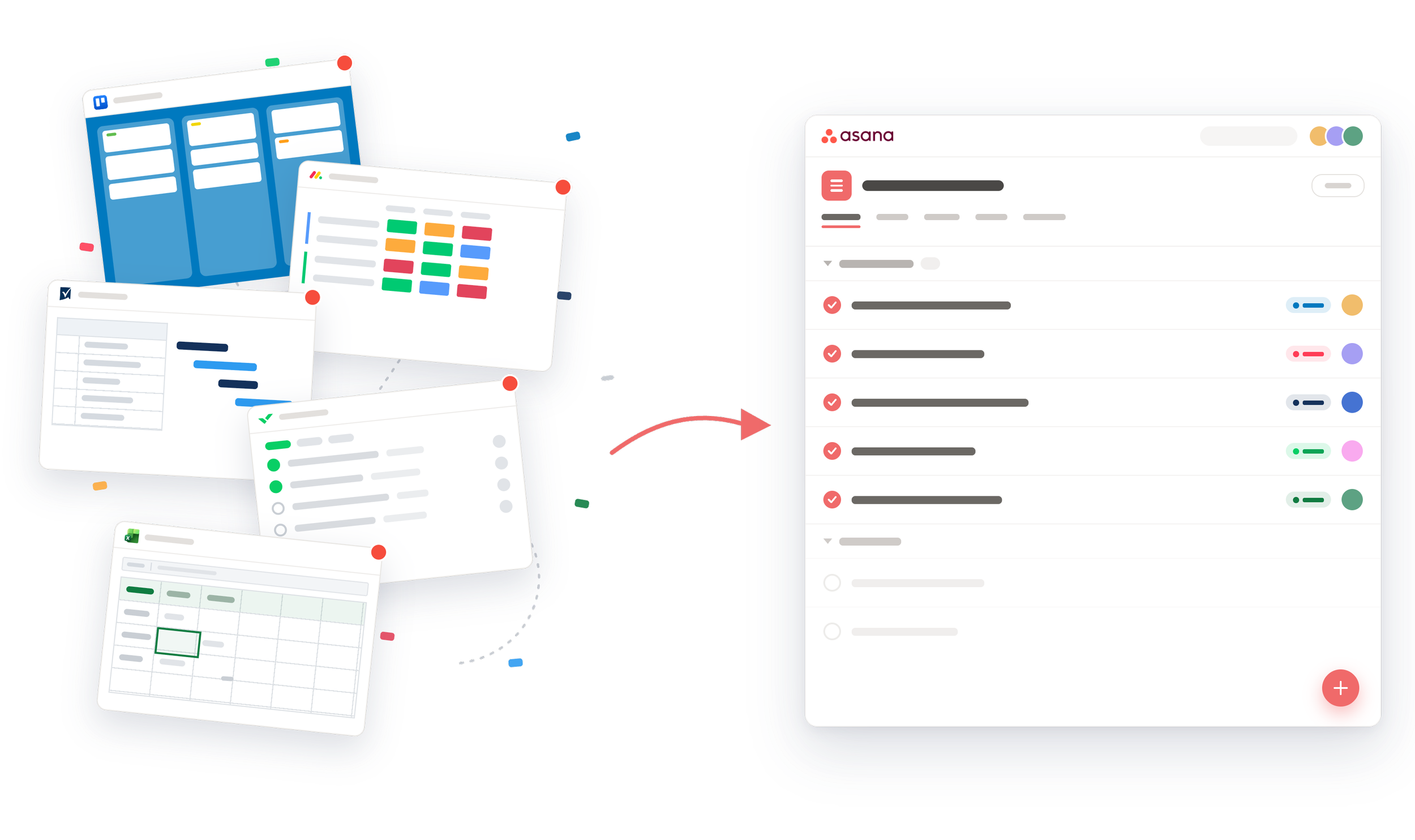
MIGRATE FROM TRELLO, MONDAY.COM, SMARTSHEET TO ASANA
Asana migration services
Move your projects, tasks, comments, attachments, and full history out of Monday.com, Smartsheet or Trello and into a clean Asana environment. Cirface runs the whole migration for you, so your team keeps working while we handle the data.




What a manual import leaves behind
Asana's built-in CSV importer is a fair starting point for one small, simple project. It brings across task names, assignees, dates, and basic custom fields. On a real migration it runs out of room fast.
Comments, attachments, subtask hierarchies, and dependencies are the parts your team actually relies on, and they are the parts a manual export tends to drop or flatten. Move several years of work across by hand and the cleanup runs into weeks: rebuilt structures, re-attached files, and context that never arrived.
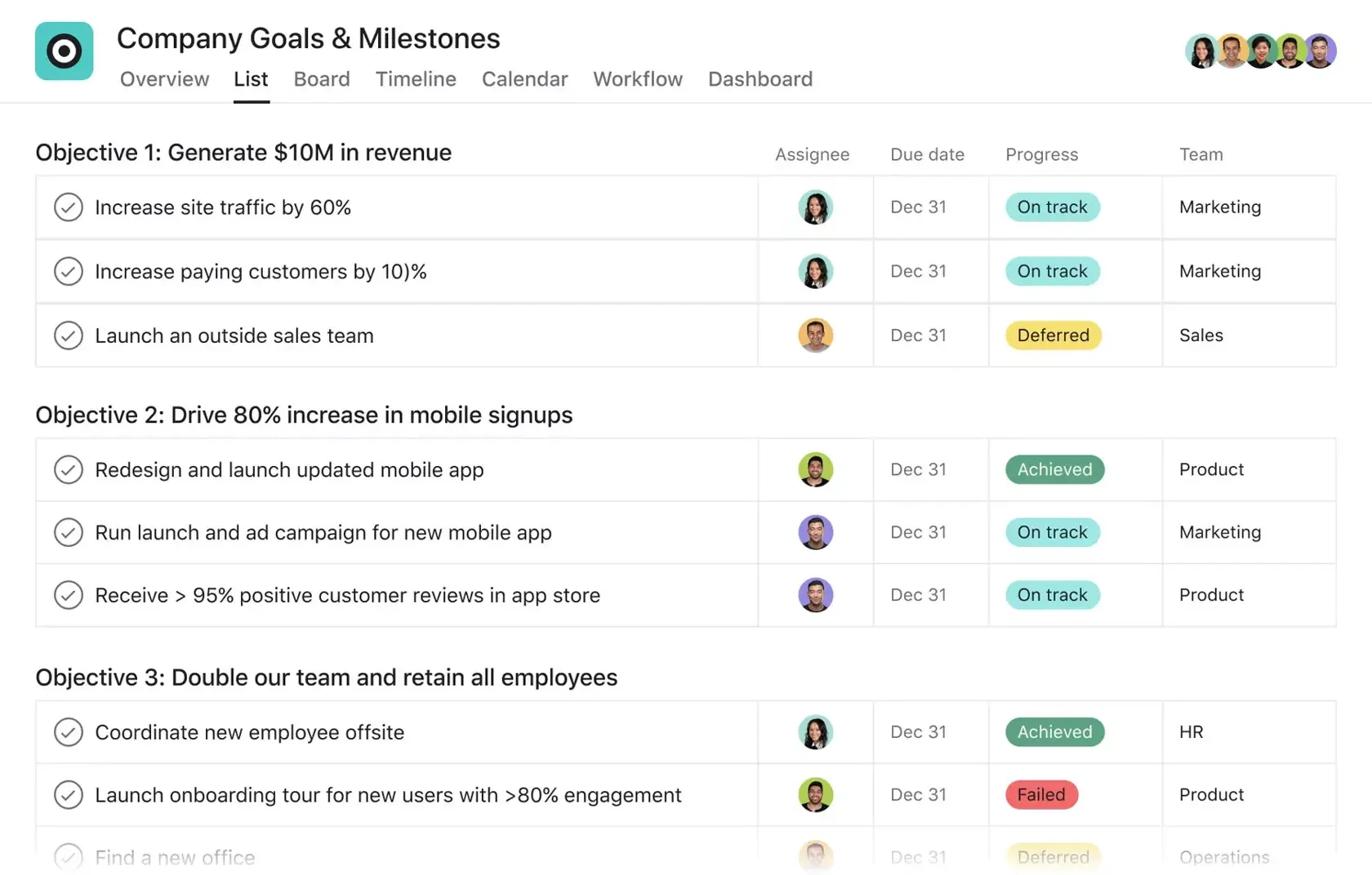
Tasks and subtasks
Up to five levels deep, with the hierarchy intact.
Comments
Threaded in the right order, so conversations stay with the work they belong to.
Attachments
Moved with their tasks, not dumped into one unsorted folder.
Dependencies
Preserved, so task sequencing survives the move.
Custom fields
Consolidated into Asana library fields, not duplicated across every project.
People, sections, and dates
Assignees, followers, sections, and start and due dates.
A link back to the source
Each item keeps a reference to its original ID, so any record can be traced to its source if you need to check it.

We built our migration around the parts other methods miss.
What our Asana migration service brings across
Tools we migrate from to Asana


 Asana to Asana
workspace or domain
Asana to Asana
workspace or domain


 Wrike, ClickUp, Airtable, and Workfront, coming soon
Each source has its own quirks. Monday.com exports in a layout built for its boards rather than for clean data. Smartsheet behaves like a spreadsheet, so its structure needs real rework to become proper Asana projects. We handle those differences as part of the migration, not a task we leave to your team.
How our Asana migration process works.


Scan and estimate
We review your current workspace and return an exact count of projects, items, and complexity.
Map the data
We match your source data to the right projects, tasks, subtasks, fields, sections, users, and dependencies.
Migrate the work
We move everything into Asana with our proprietary migration tool.
Validation and clean-up
We test the migrated structure against the source and correct anything that needs adjusting.
Go live
We complete the final migration, guide your team through the new Asana setup, and support you after launch.
Access to our migration tool is limited to the Cirface team. During a migration we create a dedicated staging area inside your own Asana, a migration portfolio and tracking project where every step is logged. Your migrated projects land there first, so we can check them against the source before anything reaches your live teams. If something needs another pass, we clear the staging project and run it again, with no effect on your live work.
We keep our footprint small on purpose. We read from your source system, we do not hold your data in a separate database, and the reports we produce stay in your Asana where you can see them.
How we keep your data safe
Your Asana
Migration staging area
Project volume
A base fee set by how many projects we set up in Asana.
More projects, higher base fee
Item volume
A rate per item, charged on everything we move across.
More items, lower rate per item
Migration estimate
One figure, agreed before any work starts.
Scoped from a scan of your source system, not a guess.
No surprise charges once the migration is under way.
What counts as an item. Tasks, subtasks, comments, attachments, dependencies, and related records. Every piece of data we carry into Asana.
How we reach a number. We scan your current tool for an exact item count, or provide a considered estimate where a live scan is not yet possible.
Every migration is scoped before we quote it. Pricing is built from two parts: a base fee for the setup of each project, and a per-item rate for the volume of data moved.
How our migration pricing works
Why teams choose Cirface to switch to Asana
We are an Asana Platinum Solutions Partner and Asana's Partner of the Year for the Americas. Migration runs on a tool we built in-house and refined on real client data, and on a team that designs Asana environments for a living.
That means we are not just asking can this data move?
We are asking:
Should this data move?
Where should it live in Asana?
Does this field need to be a shared library field?
Are these projects active or just archived clutter?
Will your team understand this structure after launch?
Will leadership get the visibility they need?
Are we making Asana cleaner, or just heavier?

Frequently Asked Questions
Still have questions? Book a call, and our team will be happy to help.
-
Yes. Cirface migrates Trello boards into Asana, including cards, checklists, comments, attachments, and members. Trello's own export drops most of this. We rebuild the board structure as proper Asana projects and sections rather than a flat task list.
-
Yes. Cirface migrates Monday.com boards, items, subitems, updates, files, and columns into Asana projects, tasks, subtasks, comments, attachments, and custom fields. Monday's guest accounts often complicate user mapping, so we map users explicitly as part of the migration.
-
Yes. Cirface migrates Smartsheet data into Asana. Smartsheet behaves like a spreadsheet rather than a project tool, so its data needs real restructuring on the way in. We rebuild sheets as Asana projects with proper task hierarchies rather than importing flattened rows.
-
Cirface migrates Asana to Asana, either workspace to workspace or domain to domain. Wrike, ClickUp, Airtable, and Workfront support is on the way.
-
Our migration service focuses on project tools like Monday.com, Smartsheet, and Trello, where we carry across the structure, comments, attachments, and history that a spreadsheet does not hold. For a simple one-off spreadsheet, Asana's own CSV importer is often enough, and we can advise on the cleanest way to bring it in.
-
Tell us what you are running. Our migration tool is built in-house, so we can extend it to new sources where the scope justifies it. Send us the tool and rough project and item counts, and we will tell you honestly whether we can help.
-
We run our analyzer across the projects you select. It reports exact counts of tasks, subtasks, total items, custom fields, users, comments, and attachments. That count is what we price the migration from, so your estimate reflects your real data rather than a guess.
-
No. The analyzer runs only on the projects you choose. It can be run live with your team watching, so you see exactly what is being read and what the report contains. Nothing is copied out of your systems during the assessment.
-
Tasks and subtasks up to five levels deep, comments in the right order, attachments, dependencies, custom fields, assignees, followers, sections, and dates. Each migrated item keeps a reference to its original ID, so any record can be traced back to its source.
-
Yes. Both come across. Comments stay threaded with the tasks they belong to, and attachments move with their tasks rather than landing in one unsorted folder. A manual CSV export typically loses comments entirely and separates attachments from their context.
-
Yes. We migrate into projects and custom fields you already use, not only into newly created ones. We can also consolidate scattered fields into clean Asana library fields as part of the move.
-
No. Your team keeps working in your current tool while we migrate. Everything lands first in a staging area inside your own Asana, where we check it against the source before it reaches your live teams. You switch over once it is verified.
-
Most run four to eight weeks, depending on the number of projects, the item count, and how much restructuring the source needs. The assessment happens first and is the fastest part. The bulk of the timeline is mapping, validation, and getting your team ready to work in Asana.
-
Pricing combines a base fee, set by how many projects we build, with a per-item rate on everything we move. The rate per item falls as volume rises. We scan your source system for an exact item count before quoting, so the number is scoped rather than estimated.
-
Access to our migration tool is restricted to the Cirface team. We read from your source system and do not store your data in a separate database. Everything lands in a staging area inside your own Asana, where every step is logged for you to review.
TRUSTED BY