Asana Consulting: When Should You Hire an Asana Solutions Partner
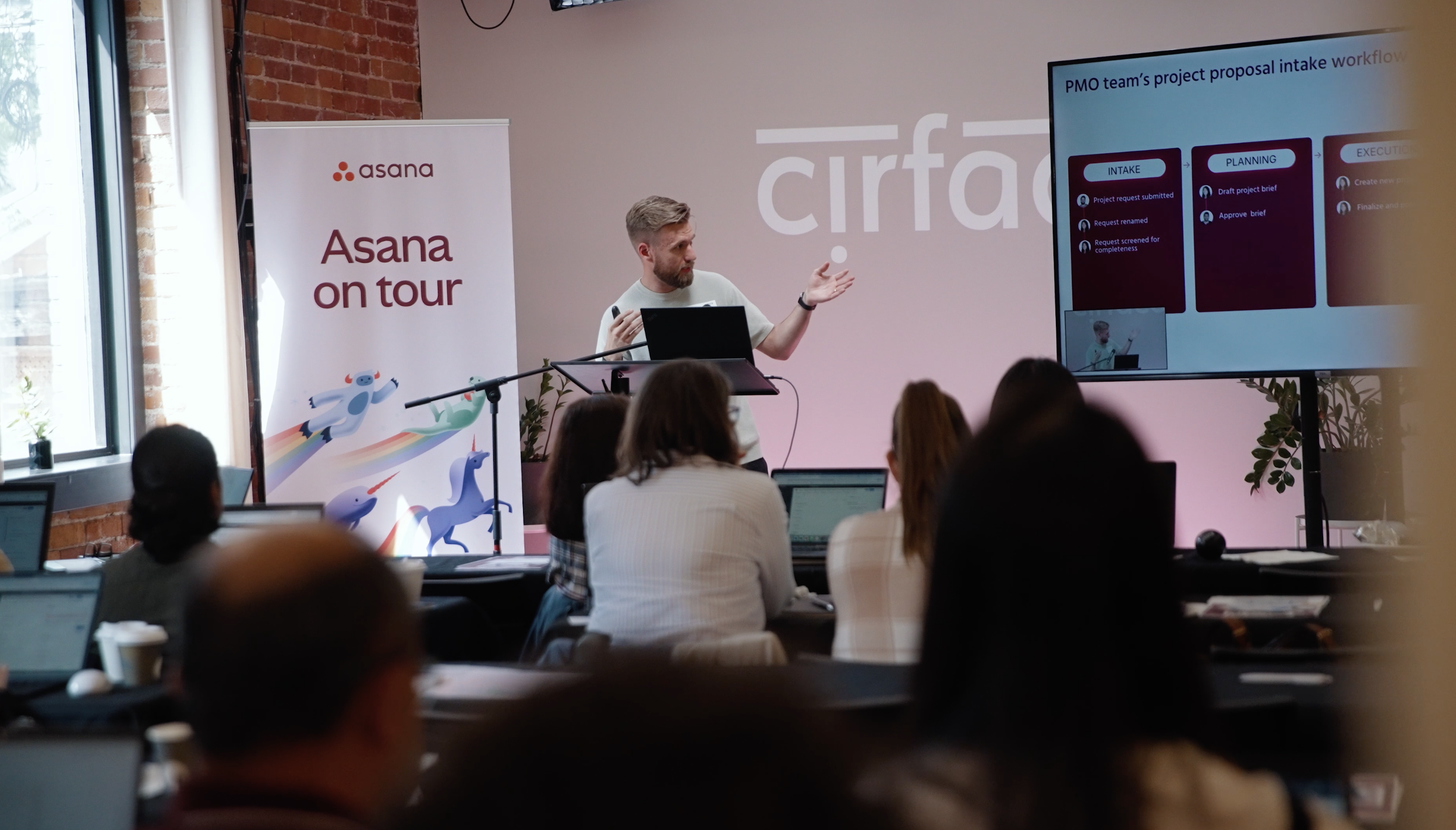
An Asana consultant helps your team turn Asana from a task tracker into a system your team can trust. They audit your current setup, map how work actually moves, then redesign the structure, build automations, and train your team so the workspace matches how you really operate. The scope usually covers a workspace audit, workflow and project design, automation, custom reporting, team training, and adoption support after launch.
Your team is using Asana, but work still feels harder than it should.
Projects are inconsistent. Tasks get duplicated. Deadlines slip.
Asana calls this kind of friction “work about work”: the time teams spend chasing updates, searching for information, switching between tools, and talking about work instead of moving it forward. According to Asana’s research, knowledge workers spend 60% of their time on work about work.
That is where Asana consulting can help.
A good Asana expert does more than clean up projects or show your team where to click. They help you understand why your workspace feels messy, where the process is breaking down, and how to rebuild Asana around the way your team actually works.
Quick Answer:When Should You Hire an Asana Consultant?
You should hire an Asana certified professional when your team is using Asana, but the workspace is no longer giving people clarity. Common signs include inconsistent project structures, low adoption, messy reporting, unclear ownership, duplicated work, and teams relying on Slack, email, or spreadsheets to track updates.
A good Asana professional does more than configure projects. They audit your current setup, map how work actually moves across your team, design a better structure, build workflow automation, train your team, and support adoption after launch.
For larger teams, an Asana implementation consultant or Asana Solutions Partner can help turn Asana from a task tracker into a reliable operating system for work.

Signs Your Asana Workspace Needs a Closer Look
Most messy workspaces do not break all at once.
They slowly become harder to trust.
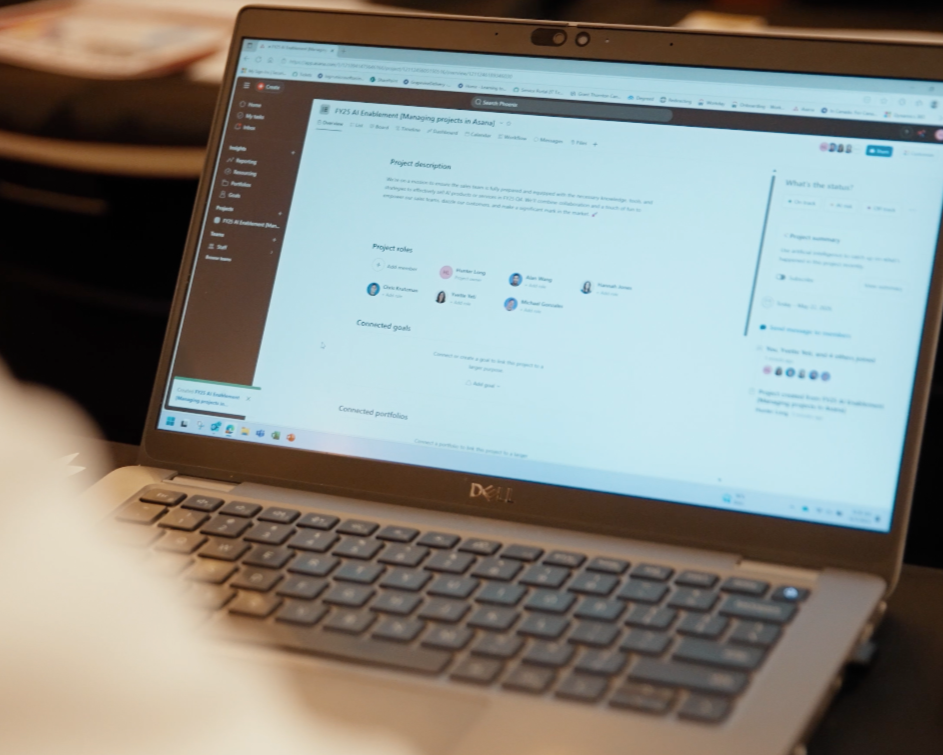
At first, it is one project that does not follow the same structure as the others. Then one team starts tracking updates in Slack. Another team builds their own board. Someone creates duplicate tasks because they cannot find the original one. Reporting becomes manual because the dashboards do not reflect the real status of the work.
Eventually, the team is using Asana, but nobody fully trusts what they see in it.
Here are a few signs your setup may be creating extra work:
Project structures are inconsistent from team to team.
Tasks are missing owners, due dates, or clear next steps.
Status updates still happen mainly in meetings, Slack, or email.
Leadership needs someone to manually pull updates before they can make decisions.
Teams are duplicating work across multiple projects.
Forms exist, but people still chase missing details after requests come in.
Portfolios and goals are set up, but they are not actively used.
People say, "I updated it somewhere," and nobody knows where "somewhere" is.
These issues are easy to misread as discipline problems.
People are not updating their tasks. Teams are not following the process. Managers are not checking the right dashboards.
Sometimes that is true. But more often, the system is asking people to work in a way that does not match how the work actually moves.
That is where a better Asana setup starts.
Before adding more rules, automations, dashboards, or training, you need to understand the structure underneath the problem. That is also where working with an Asana expert can make a real difference. Rather than guessing at fixes, a certified consultant looks at how work actually moves across your team and identifies what the structure needs before anything else changes.
What Is an Asana Partner?

An Asana Partner is a company or consultant recognized through Asana’s partner ecosystem. Asana’s partner directory describes certified Asana Partners as experts who can help teams customize workflows, build integrations, implement Asana, and more.
You may also see terms like Asana Solutions Partner, Asana Service Partner, Asana implementation Partner, or Asana certified consultant. The terms are often used in similar conversations, but the main idea is the same: teams are looking for expert help to get more value from Asana.
Asana describes its Services Partner Program as a fit for partners focused on workflow implementation and strategic consulting. Its Solutions Partner Program includes partners who refer, sell, implement, and provide custom solutions for Asana.
For teams with simple needs, basic Asana training may be enough.
For teams dealing with messy workflows, low adoption, unclear reporting, or cross-functional complexity, working with an Asana Solutions Partner can be more valuable because the work usually goes beyond setup.
It becomes a full workflow design project.
At Cirface, that means helping teams:
audit their current Asana setup
simplify messy project structures
design workflows around how the team actually works
build templates, forms, custom fields, and automations
create reporting that leadership can trust
train teams on the process, not just the tool
support adoption after launch
The goal is not to make Asana look organized for a demo.
The goal is to build a system your team can keep using when the work gets busy, priorities change, and more people depend on the process.
That is the difference between basic setup and strategic Asana implementation.

Should You Work With an Asana Certified Professional or Asana Solutions Partner?
If your team needs help with a simple workspace cleanup, an experienced consultant may be enough.
If you need broader support with implementation, workflow design, asana workflow automation, training, licensing, and adoption, it may be better to work with an Asana Solutions Partner. Asana describes its Solutions Partner Program as a path for partners who offer end-to-end services and support.
The difference matters because larger teams often need more than configuration. They need a partner who can understand the business process, design the system, build automations that reduce manual work, support the rollout, and help the team keep using the platform after launch.
That is where Cirface fits. We help teams move from "we have Asana" to "we know how work moves here."
Asana Consulting vs. Basic Software Setup
There is a big difference between setting up Asana and designing a system of work.
A basic software setup usually answers one question:
“Is the tool configured?”
That may include creating projects, building templates, adding custom fields, and showing people where to click.
Useful? Yes.
Enough? Usually not.
A strategic Asana implementation asks a better question:
“Does this setup reflect how your team actually works, and will people keep using it when things get busy?”
That is the question that matters.
Because the goal is not a clean workspace on launch day. The goal is a workspace your team can rely on three months later, six months later, and every time priorities shift.
Here is the practical difference:
This distinction matters because Asana is not valuable simply because it has the right features.
It becomes valuable when the setup makes work easier to understand, easier to manage, and easier to move forward.
That requires more than configuration.
It requires diagnosis.
What Makes Cirface Different From a Typical Asana Implementation Partner?
Most teams do not need someone to build a few projects and hand over a checklist.

They need a partner who listens closely enough to understand how work actually happens.
That is where Cirface takes a different approach.
Before we build anything, we look at how your team receives requests, assigns ownership, tracks deadlines, reports progress, and makes decisions. We want to understand where the friction is coming from before we recommend a structure.
Because a clean Asana setup is helpful.
A setup that reflects how your team actually works is what creates trust.
That distinction matters. A transactional implementation partner might configure the tool, run a training session, and call it a day. But if the workflow does not match the team’s reality, people will drift back to Slack, spreadsheets, meetings, and manual updates.
Cirface focuses on the full system:
how work comes in
how work gets prioritized
who owns each step
where decisions happen
what leadership needs to see
how the team will keep using the system after launch
We do not want your Asana workspace to look organized for a demo.
We want it to keep working when the team is busy, priorities change, and the volume of work grows.
As an award-winning Asana Platinum Solutions and Service Partner, Cirface supports teams with Asana implementation, training, AI-powered workflow design, and licensing guidance. (Asana)
But the real difference is not only the partner badge.
It is the way we approach the work.
We do not start by assuming your team needs a template.
We start by understanding the process.

The Cirface Approach: Structure, Automation, and Adoption
At Cirface, our work as an Asana implementation partner is built around three things:
Structure
Automation
Adoption
Each one matters.
If you have structure without adoption, people stop using the system.
If you have automation without structure, you automate confusion.
If you have training without a clear workflow, people understand the features but still do not know how to use them in their day-to-day work.
A good implementation brings all three together. That is why every Asana engagement we lead is designed to address all three layers, not just the one that feels most urgent on day one.
1. Structure: Make the Workspace Easier to Trust
Before touching automations or AI, you need a clear structure.
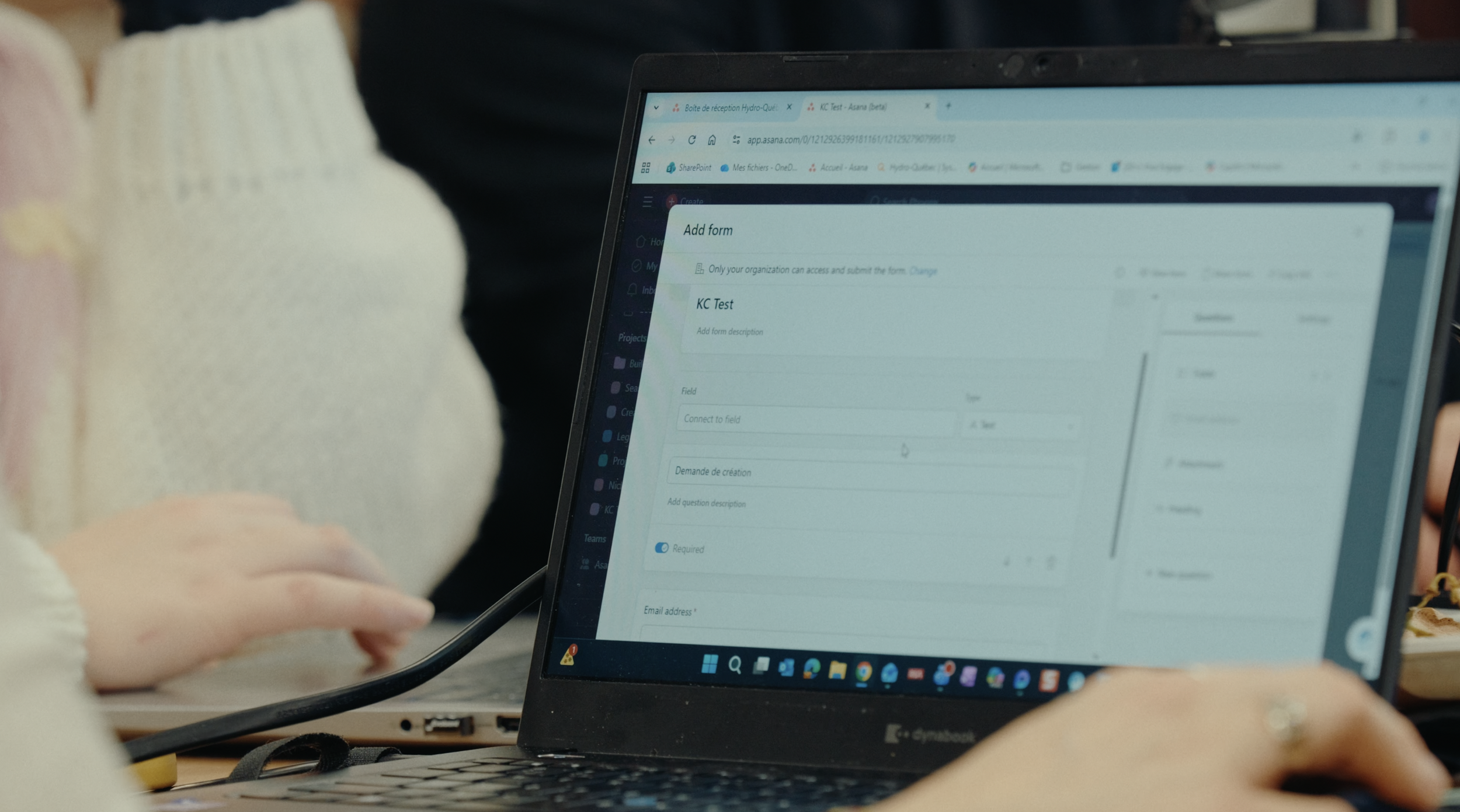
That means looking at questions like:
What types of work does this team manage?
Where should requests come in?
Who needs visibility?
Which projects should be standardized?
Which workflows need flexibility?
What does leadership need to see?
Where are people currently duplicating effort?
Which parts of the workspace are creating confusion?
This is where an Asana audit or Health Check can be helpful.
The goal is to find the friction that has become normal.
Maybe every department created its own version of the same intake process. Maybe tasks are technically assigned, but ownership is unclear. Maybe teams created custom fields that are no longer being used. Maybe the reporting exists, but nobody trusts it because the data going into it is inconsistent.
Clean structure gives the team a shared language.
People know where work lives. They know what each project is for. They know how to read a status update. They know which fields matter. They know what to do next.
That is when Asana starts feeling less like another tool to maintain and more like a reliable place to work.
2. Asana Workflow Automation: Remove the Manual Work That Slows Teams Down
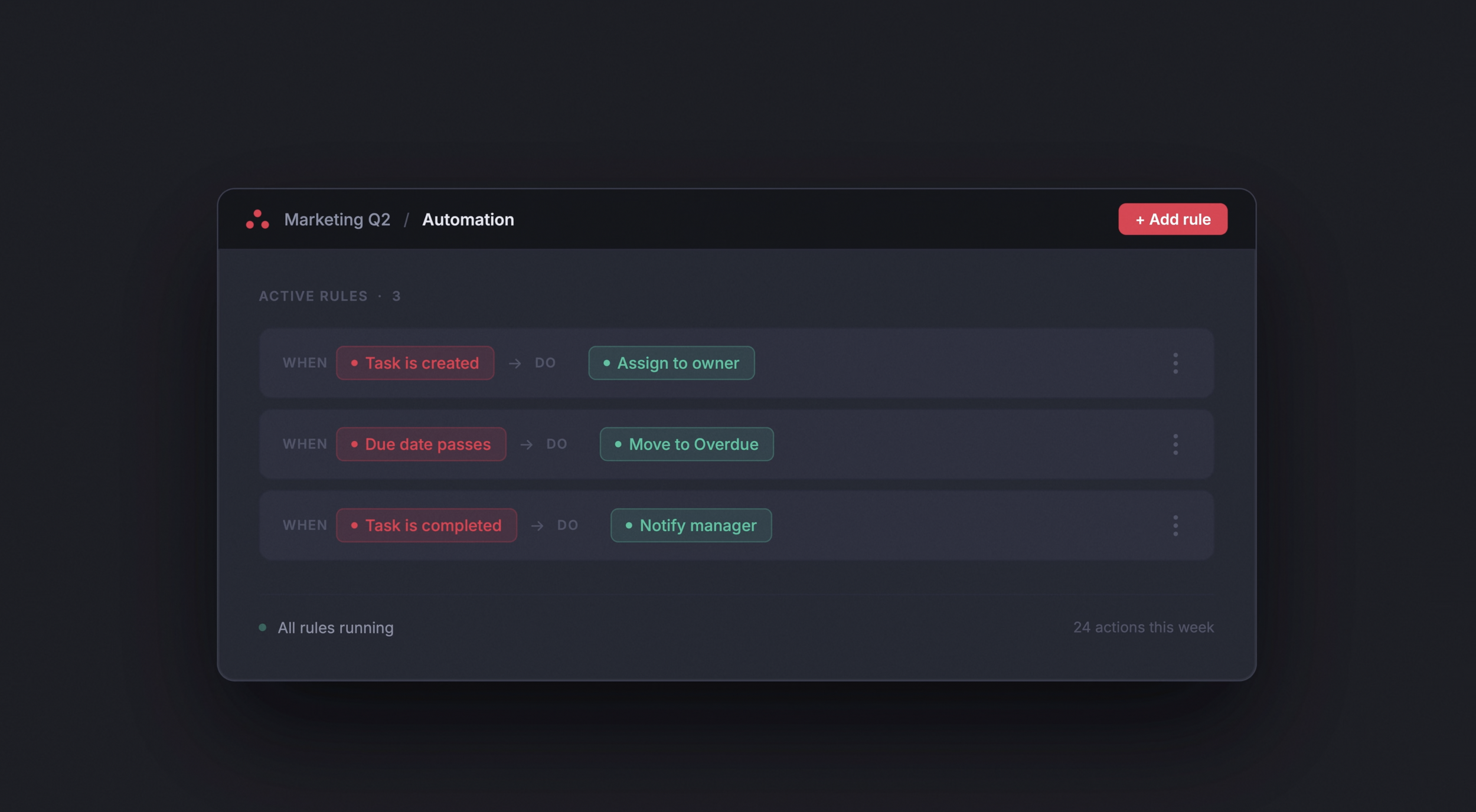
Once the structure is clear, automation becomes much more useful.
This is where Asana can reduce repetitive admin work around things like:
assigning tasks
routing requests
updating statuses
moving work between stages
notifying the right people
creating tasks from templates
escalating overdue work
keeping stakeholders informed
But automation should not be added simply because it is available.
It should solve a real workflow problem.
For example, if your team receives creative requests through a form, automation can route those requests based on request type, priority, region, or department. It can assign the right owner, set due dates, add tasks to the correct project, and notify the people who need to review the work.
That saves time, but more importantly, it reduces uncertainty.
The team does not need to wonder who owns the request.
The requester does not need to ask where things stand.
The manager does not need to manually check if the work moved forward.
That is where asana workflow automation becomes valuable. It protects the process from falling apart when people are busy.
3. Adoption: Asana Training for Teams
A workspace can be beautifully designed and still fail.
Usually, that happens because adoption was treated like a final step instead of part of the implementation.
People need to understand more than where to click.
They need to understand why the workflow was built this way, what their role is inside it, and what changes in their day-to-day work.
That is why training matters.
Good Asana training should be practical and role-specific. A leader does not need the same walkthrough as a project coordinator. A creative team does not need the same training as finance. A team member submitting requests does not need the same depth as the person managing intake.
Training should help each group understand:

what changed
why it changed
what they need to do differently
where to find information
how to keep the system clean
how to avoid falling back into old habits
This is also where documentation matters.
A strong implementation should leave the team with simple guides, process documentation, and internal champions who can support adoption after the initial rollout.
Because the goal is not dependency.
The goal is confidence.
Why Starting With One Workflow Often Works Best
One of the smartest ways to improve Asana is to avoid trying to fix everything at once.
For larger teams, the best starting point is often one cross-functional process with high visibility and clear business value.
That could be:
creative request intake
marketing campaign planning
product launch management
client onboarding
event planning
internal approvals
executive reporting
HR onboarding
IT software evaluation
Starting with one workflow gives the team a focused place to improve.
It reduces pressure on the team. It creates a clearer rollout path. It gives leadership something tangible to evaluate. It also helps the organization build trust before expanding the system to other teams or departments.
This is especially useful for teams that already feel overwhelmed.
A full workspace overhaul can sound intimidating. But improving one high-impact workflow feels manageable.
In practice, this often begins with an Asana audit of that single workflow. Rather than reviewing the entire workspace at once, the audit focuses on how work actually moves through that one process: where tasks stall, where ownership is unclear, and where the structure breaks down under pressure. That targeted look makes it easier to design something better without disrupting everything else at the same time.
And once that workflow starts working better, the team has proof.
They can see the difference in fewer follow-ups, clearer ownership, cleaner reporting, and faster movement from request to completion.
That is how adoption builds momentum.
Where Asana AI Studio Fits

AI can add real value to Asana workflows, but only when the underlying process is clear.
If your intake process is messy, AI will not magically fix it.
If ownership is unclear, AI will not know who should make decisions.
If your project data is inconsistent, AI-generated reporting will still need human cleanup.
That is why Cirface approaches Asana AI Studio as part of a broader workflow design process.
The question is not, “Where can we add AI?”
The better question is, “Which parts of this workflow are repetitive, rules-based, or slowing people down?”
AI Studio can help with use cases like:
categorizing incoming requests
summarizing project updates
drafting status reports
routing work based on request details
helping teams identify missing information
reducing manual updates across recurring workflows
For example, a marketing team might use AI Studio to review incoming campaign requests, identify the type of request, summarize the key details, and route it to the right project or owner.
A leadership team might use it to draft weekly project summaries based on task activity and project status.
A support or operations team might use it to identify missing fields before a request moves forward.
The value is not that AI is doing the work for the team.
The value is that AI can remove some of the manual coordination that keeps the team away from higher-value work.
But again, the workflow comes first.
AI works best when the system already knows what good looks like.
What is the Cost of a Poor Asana Implementation?
According to Asana’s primary research, the average team burns through 29 hours setting up Asana without a partner. A single task can climb to 10 hours on its own.
Many teams think about the cost of Asana in terms of licences.
That makes sense. Licences are visible. They show up on the invoice.
But the bigger cost is often the cost of poor implementation.
That cost shows up in places like:
extra meetings
duplicated work
slow approvals
missed deadlines
unclear ownership
messy reporting
low adoption
frustrated teams
leaders making decisions with incomplete information
It also shows up in the moment someone says, “Asana does not work for us,” when the real issue is that the workspace was never designed around how the team actually works.
That is an expensive conclusion to reach too early.
Because sometimes the tool is not the problem.
The setup is.
A thoughtful implementation helps protect the investment you have already made in Asana. It gives your team a structure they can trust, a process they can follow, and a clearer way to work together.
What a Better Asana Workspace Frees You Up to Do
A strong Asana setup does more than organize tasks.
It gives leaders better visibility.
It helps teams move work forward without constant check-ins.
It reduces the amount of time spent searching for updates.
It makes ownership clearer.
It helps people understand priorities.
It gives teams a shared place to manage the work instead of spreading decisions across Slack, email, meetings, and spreadsheets.
That matters because most teams are already being asked to do more with the same resources.
The answer is not always more people, more tools, or more meetings.
Sometimes the answer is a better system for the work you already have.
Key Takeaways
A messy Asana workspace is usually a structure problem, not a people problem.
Basic setup can organize tasks, but strategic consulting connects Asana to how your team actually works.
Cirface starts by diagnosing the workflow before building the solution.
Strong implementation includes structure, automation, training, and adoption support.
Asana AI Studio can add value, but only when the workflow behind it is clear.
The goal is not a prettier workspace. The goal is a system your team trusts.

Build an Asana Workspace Your Team Can Trust
A messy Asana workspace does more than slow people down.
It creates doubt.
People stop trusting the data. Leaders ask for manual updates. Teams start tracking work in side channels. Before long, Asana becomes one more place to maintain instead of the place where work actually happens.
That is not usually a tool problem.
It is a structure problem.
A strong Asana implementation starts with understanding how your team works today, where the friction lives, and what needs to change so the system can support the way work actually moves.
At Cirface, we help teams clean up messy workspaces, rebuild workflows, train their teams, and create systems they can keep using long after the initial setup is done.
If your team is ready to make Asana easier to trust, book an Asana Connect Call with Cirface. We’ll help you find the right place to start.
FAQs About Asana Consulting
What does an Asana consultant actually do?
An Asana consultant helps your team design, build, and adopt a workspace that reflects how work actually moves across your organization. This typically includes an asana audit of your current setup, workflow design, building templates and automations, training, and supporting adoption after launch.
What is an asana audit?
An asana audit (we call them Health Checks) is a structured review of your existing workspace. A certified professional looks at how your projects are organized, where ownership breaks down, which workflows are creating friction, and what is missing or inconsistent. The goal is to understand what is not working before recommending any changes.
What is the difference between an Asana Solutions Partner and a general consultant?
An Asana Solutions Partner is recognized through Asana's partner program and typically offers end-to-end support including implementation, workflow design, automation, training, and licensing guidance. A general consultant may handle lighter-touch projects but may not have the same depth of expertise or formal recognition from Asana.
How long does an Asana engagement take?
It depends on the size and complexity of your team. A focused engagement for a single team might take a few weeks. A broader implementation across multiple departments, including an asana audit, workflow redesign, automations, and training, can take one to three months.
Can a consultant help with Asana adoption, not just setup?
Yes, and this is often where the most value comes from. Building a clean workspace is only part of the work. A good consultant helps your team understand the new process, builds habits around it, and supports the rollout so people keep using the system after launch.
What does an Asana implementation consultant do?
An Asana implementation consultant helps design and build an Asana workspace around your team’s real workflows. They may create project structures, templates, custom fields, automations, dashboards, documentation, and training plans.
What is the difference between consulting and Asana training?
Asana training teaches people how to use the tool. Consulting looks at the bigger system behind the tool, including workflows, ownership, reporting, governance, and adoption. Strong implementations usually need both.
What is Asana workflow automation?
Asana workflow automation uses rules, templates, forms, and sometimes AI Studio to reduce manual work. It can help route requests, assign tasks, update statuses, notify stakeholders, and keep projects moving without constant follow-up.
Why work with an Asana Solutions Partner?
An Asana Solutions Partner can support teams with broader implementation needs, including consulting, workflow design, onboarding, training, automation, and licensing guidance. This is useful for teams that need more than a basic setup.
Do I need an Asana expert?
You probably do not need a consultant if your team is small, under about 10 people, and your projects are simple. By simple, we mean work that is not cross-functional, does not move through multiple layers of approval, and does not rely on automation to keep moving. In that situation, a bit of Asana training is usually enough.
You likely do need one once work crosses teams, approvals start to stack up, or you need automation, reporting, and a consistent structure the team can trust. The clearest sign is when Asana is already in place but people keep tracking updates in Slack, email, or spreadsheets, because the setup does not match how the work actually moves.
How much does Asana implementation cost?
Asana implementation is priced by scope, and a full implementation with Cirface typically starts at around $10,000. At that level the work is hands-on, not just advice: we build the projects for you, create the automations, train your team, and provide post-implementation support so the setup keeps working after launch.
Cost rises from there based on how many teams are involved, how complex the workflows are, and how much automation and reporting you need. Licence costs sit separately from the service fee, and as a Solutions Partner, Cirface can offset part of that, since clients can save up to 15% on Asana licences.
How long does Asana implementation take?
Timelines depend on scope and team size. A single high-value workflow can usually be designed, built, and rolled out in about four weeks. A broader implementation across multiple departments, with an audit, workflow redesign, automation, and training, usually takes about 8 to 12 weeks. Starting with one workflow is often the fastest way to see the value before expanding to other teams