How to Set Up Asana Dashboards Leadership Can Actually Trust
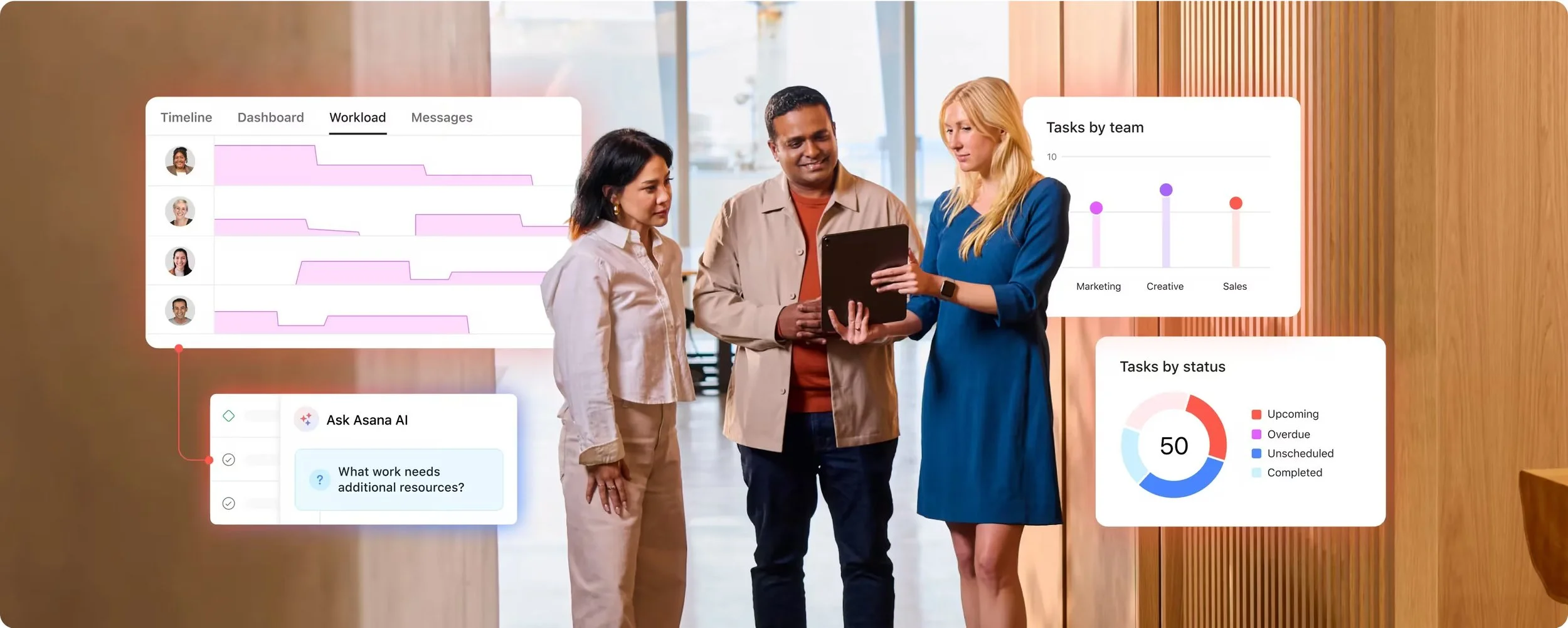
Most teams have said some version of this at least once: leadership is never going to use Asana, so we need to export the data and rebuild the update somewhere else.
That instinct is understandable. If an executive only checks in occasionally, showing them a messy Asana dashboard with vague task names, missing due dates, and buried blockers is not exactly a confidence-building moment. The fix is rarely a new tool. It is a clean Asana dashboard and portfolio setup that holds up the moment someone senior looks at it.
So teams compensate. They export. They clean things up in slides or spreadsheets. They retell the story manually. Then they do it again the next week.
That workaround can function, but it creates a second system. And once your team is maintaining two versions of reality, trust usually gets worse, not better.
The real goal is not to force leadership to become power users. It is to make sure that when they do look, the information is clean, structured, and easy to trust. In practice, that comes down to a well-built Asana portfolio and a leadership-ready Asana dashboard sitting on top of clean data.
If you are still sorting out whether the issue is Asana itself or the way the system has been set up, this related read is worth bookmarking:Is Asana the Problem or Are You Using It Wrong?.

The belief that kills Asana adoption at the top
The pattern usually looks like this:
Leadership will not use Asana
The team exports the data
Someone rebuilds the update in another format
The team repeats the same cleanup work every cycle
This pattern is easy to justify because it often comes from a real frustration. Teams have tried showing leadership a live project before, and it did not go well. The project looked cluttered. Statuses were inconsistent. Dates were unreliable. No one could tell, in a few seconds, what was on track and what needed attention.
So the export becomes a form of protection.
The problem is that this creates a hidden message across the organization: Asana is where work happens, but not where trustworthy visibility lives.
That is a rough position to recover from. Once leadership learns that the “real” update will arrive somewhere else, Asana starts to feel optional at the top and burdensome for everyone else.
Why leadership doesn’t trust Asana reporting by default
Leadership usually is not asking whether the tool is powerful enough. They are asking a simpler question about your Asana reporting: can I trust what I am seeing without needing a tour guide?
Trust drops fast when they open Asana and find:
tasks with no owner
tasks with no due date
project names that only make sense to the team that built them
inconsistent status language across projects
blockers buried in comments instead of surfaced clearly
dashboards with lots of activity but very little meaning
This is why the real barrier is almost never “leadership does not like Asana.”
The real barrier is data hygiene.
If the underlying system is messy, executives will do what any busy person would do: stop relying on it.
What an Asana dashboard built for leadership actually means
A lot of teams accidentally show leadership a doer view and expect a decision-maker response.
Those are not the same thing.
A doer view is built for execution. It includes task detail, dependencies, comments, handoffs, and the day-to-day movement of work.
A decision-maker view is built for orientation. It should answer a smaller set of questions quickly:
What is on track?
What is late?
What is blocked?
Who owns it?
What needs a decision?
This is where Asana portfolios and dashboards matter. The project is where the team works. The Asana portfolio is where leadership gets the rollup. The Asana dashboard is where the signal becomes easier to scan.
You do not need to simplify the team’s workflow down to the point where it loses usefulness. You need a clean layer above it.
A quick example:
A SaaS marketing team might manage four launch projects in Asana. The campaign managers live inside the projects because they need every task, asset, and deadline. The VP of Marketing does not need that same level of detail. They need an Asana portfolio view that shows each launch, the owner, the target launch date, the current status, and the main blocker. Same source of truth, different lens.
Same source of truth, different lens.
Another practical example sits right inside portfolios. If you are using milestones to represent key phases or major steps, the default Milestone progress field can give leadership a quick snapshot of which milestones are upcoming, completed, or overdue across projects. If you are not using milestones that way yet, that is often one of the first things to fix before trying to make Asana feel more executive-friendly.
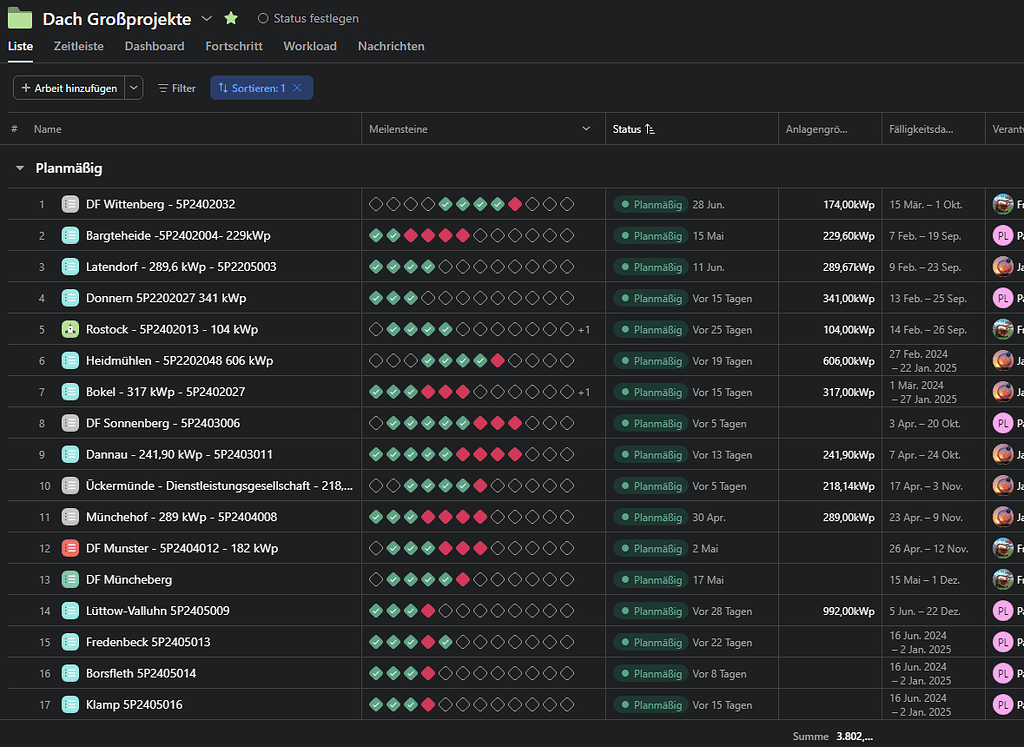
The same pattern applies in other environments too. A client services team can use project-level rollups to show account health without walking leadership through every handoff. An operations team can show the state of site openings or internal initiatives without asking an executive to decode a task list.
The Asana portfolio fields leadership actually cares about
If you want your Asana portfolio to make sense to leadership, your fields need to reflect leadership language.
That usually means surfacing a short set of decision-making signals consistently across every project and dashboard.
A strong starting point looks like this:
Owner: a people field or project owner that shows who is accountable for the outcome
Status or health: Asana’s native status to clearly show whether work is on track, at risk, or off track
Target date or timeline: a due date that shows when the work is supposed to land
Blockers: this can be handled in a few workable ways depending on how your team reports risk: a text field for a one-line blocker summary, a status update that calls out the issue clearly, or a reference field that links to dedicated blocker tasks at the portfolio level.
Priority or initiative: a single-select field that explains why this work matters in the bigger picture
These field types are useful because they bridge the gap between how teams describe work and how leadership evaluates it.
The important part is not adding more fields. It is defining a small set that everyone uses the same way.
If one team relies on Asana’s native status options, another uses a custom single-select field for project health, and another uses nothing at all, leadership has to translate every view before they can trust it. Even if the labels sound similar, the reporting layer gets messy fast. Standardize this as much as possible so a portfolio or dashboard means the same thing everywhere.
Make it navigable for someone who logs in once a month
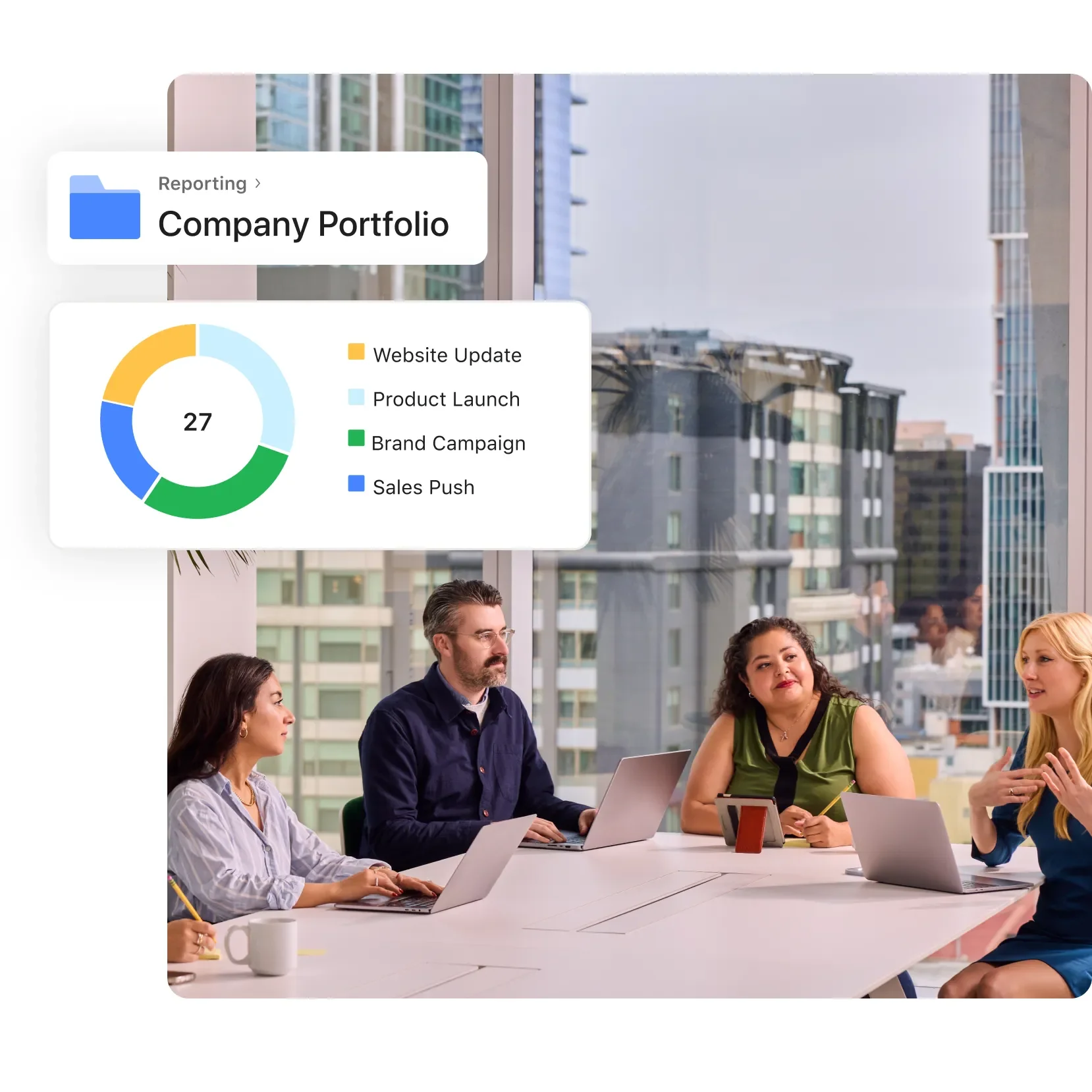
A leadership-friendly Asana setup should make sense even to someone who does not spend their day inside the tool.
That means a few practical things:
Use naming conventions that explain themselves
If an executive sees a list of projects, they should be able to tell what each one is without extra interpretation. Clear, plain project names beat internal shorthand every time.
Keep the Asana portfolio clean
A portfolio should not feel like an archive, a wishlist, and a reporting layer all at once. If it is meant for leadership visibility, it should contain the projects that matter for that audience.
Use Asana status updates as a ritual, not a rescue plan
Weekly status updates are one of the easiest ways to build trust. They give leadership a current narrative, not just a pile of fields. They also force project owners to translate activity into meaning.
Design Asana dashboards around decisions
A useful Asana dashboard should highlight risk, progress, timelines, and workload questions. It should not try to mirror every single project detail.
A good rule of thumb is simple: if someone logs in once a month, can they read the dashboard and understand what matters in 30 seconds?
If not, the issue is usually not adoption. It is design.
Reframing “they’ll never log in”
This is the part many teams miss.
Leadership does not need to use Asana every day for Asana to work for leadership.
They just need the system to be dependable when they do look.
That changes the goal.
Instead of asking how to make executives live in Asana, ask how to make your Asana dashboards and portfolios readable, trustworthy, and current when executives check in. That is a much more practical problem to solve.
It also reduces a lot of extra work. When the data is clean, you can screen-share a live portfolio or dashboard in a leadership meeting and use the same source of truth the team is already maintaining. No last-minute deck rebuild required.
When exporting from Asana still makes sense
To be fair, there are still situations where exporting is the right move.
Board meetings, investor updates, external stakeholder reporting, and formal presentations often need a specific format. That part is normal.
The difference is this: when Asana is set up properly, the export becomes a final packaging step, not a manual reconstruction project.
You are not fixing the story after the fact. You are pulling from a system that already tells the truth.
That is the hybrid most teams actually want.
What breaks executive trust in Asana fast
Before you ever share a portfolio or dashboard with leadership, audit the basics.
Check for:
active work with no owner
active work with no due date
outdated status fields
overdue tasks that no longer reflect reality
projects with unclear names
blockers that only exist in comment threads
portfolios filled with irrelevant or outdated projects
If those issues are present, leadership will notice quickly. And once they start questioning the accuracy of what they see, they will go right back to asking for exported reports.
A practical way to start
You do not need to rebuild your entire Asana setup to solve this.
Start with one leadership-facing portfolio and clean up the inputs behind it.
Standardize the fields leadership will use to read project health
Tighten naming conventions so projects are understandable at a glance
Make sure every active project has an owner, timeline, and current status
Create a simple weekly status update habit
Review the dashboard and remove anything that does not help a decision get made
If your team needs help getting people aligned on conventions and consistent usage,Asana training is often the right starting point.
If the bigger issue is that your setup already exists but leadership still does not trust the reporting,Asana workflow optimization is usually the better fit.
If you are not sure which layer is breaking trust, you can alsocontact Cirface and talk it through.
And if you want more practical breakdowns like this in your inbox, you can join theCirface newsletter.
Conclusion
Leadership trust is rarely lost because Asana is too detailed.
It is usually lost because the system is inconsistent, hard to scan, and unreliable at the exact moment someone important looks at it.
You do not need executives to become daily users. You need your Asana dashboards and portfolios to tell the truth clearly when they check in.
When that happens, Asana stops being the place where work is buried and becomes the place where the team and leadership can finally look at the same reality.
Frequently Asked Questions
Do leaders need to use Asana every day for this to work?
No, leaders do not need to use Asana every day. Daily use is not the goal, trust is. If your Asana dashboards and portfolios are clean, current, and easy to read, leadership can check in occasionally and still get full value from the system.
What is the difference between an Asana portfolio and a project?
An Asana project is where a team does the day-to-day work, with tasks, dependencies, and handoffs. An Asana portfolio is a rollup layer above projects that shows leadership the status, owner, timeline, and blockers across many projects at once. Teams live in projects, leadership reads portfolios.
Should I show leadership tasks, projects, or portfolios?
Show leadership portfolios and dashboards, not task lists. Tasks are built for the people doing the work. Leadership needs an Asana portfolio or dashboard rollup that highlights ownership, timing, status, and blockers at a glance.
What fields should be non-negotiable before sharing a leadership view?
Before sharing an Asana dashboard or portfolio with leadership, make sure every project has a clear owner, a current status or health field, and a target due date, plus a visible blocker field or status narrative. If leadership is reviewing a portfolio, the default Milestone progress field is also useful when milestones represent the key phases of work. Missing or inconsistent signals make the view hard to trust.
When is it still worth exporting data out of Asana?
Exporting from Asana still makes sense when you need a board deck, an investor update, or a client-facing presentation in a specific external format. The goal is not to eliminate exports. It is to make them a lightweight final step because the underlying Asana dashboards and portfolios are already clean.